DocsMonitoring and insights
Understand Xtrusio Visibility, Share of Voice and Competitor Metrics
Read each metric with its question scope, engine selection and filters. Visibility, share of voice and the composite score have different denominators and purposes.
Availability and responsibility
Read each metric with its question scope, engine selection and filters. Visibility, share of voice and the composite score have different denominators and purposes.
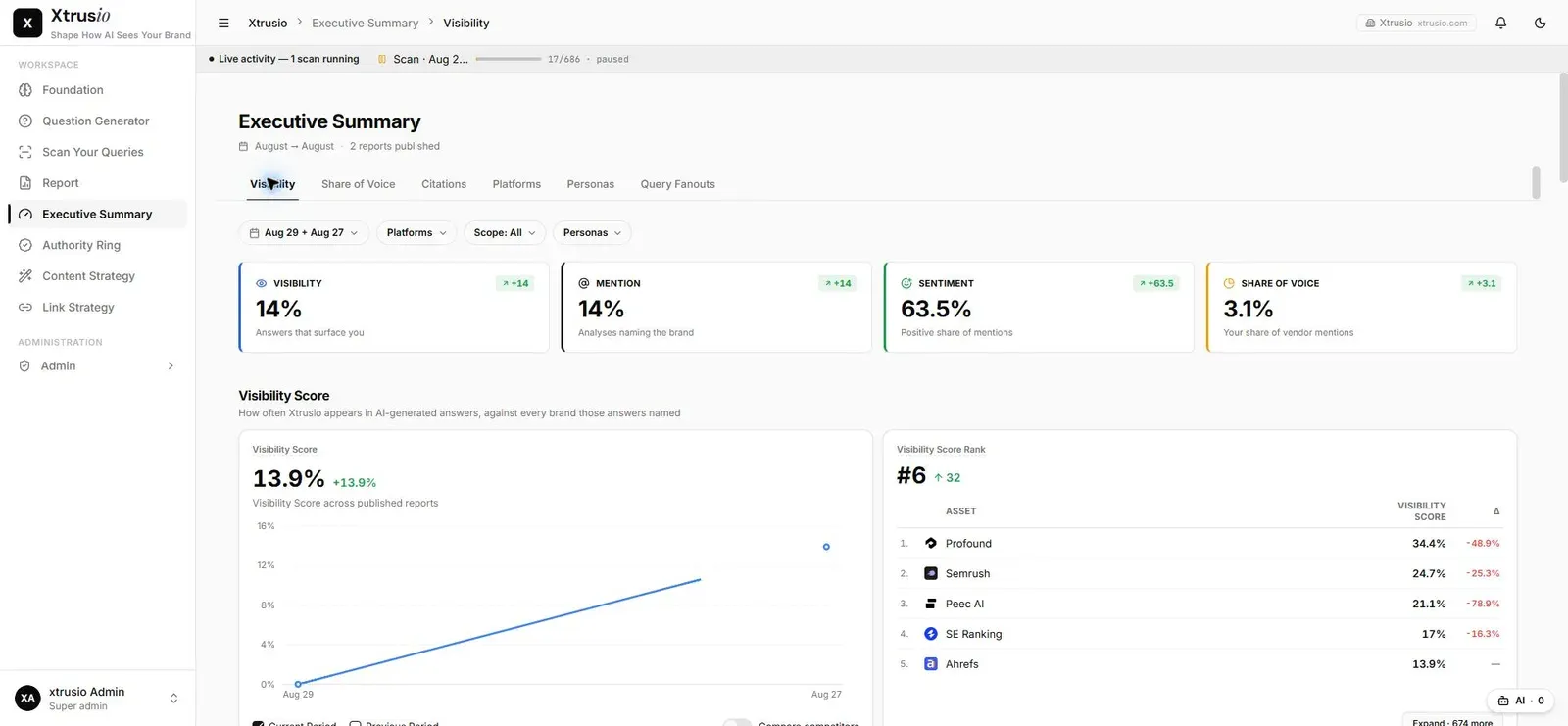
Visibility
Visibility = 100 × usable question-engine answers mentioning the company ÷ all usable question-engine answers.
This is an answer-level mention rate, not the percentage of unique questions covered or a search-volume-weighted score. For example, eight mentioning answers among 20 usable answers produce 40% visibility.
Share of voice
Share of voice = 100 × company entries in extracted vendor lists ÷ all vendor entries in those lists.
The denominator includes untracked vendors. It does not count every repeated company name in raw answer prose. For example, eight company entries among 32 extracted vendor entries produce 25% share of voice. These are illustrative calculations, not customer results.
Missing answers and rounding
Failed or missing analyses and extraction errors are excluded. A successful Google lookup with no AI answer can remain a valid zero-mention observation. Check the stored outcome rather than treating every empty-looking result as a collection failure.
Core percentages are rounded, and some report views show one decimal. Where no usable evidence exists, a displayed zero must not be interpreted as a completed absence test.
The separate composite score
The default composite combines mention rate at 35%, position at 40% and sentiment at 25%. Position scores each ranked answer as max(0, 100 − 20 × (rank − 1)), then averages the ranked answers. Sentiment uses positive 100, neutral 50, absent 0 and other values 20.
This composite is not visibility, and it is not a metric called perception percentage. Use the configuration and calculation for the report being read.
Reconcile a dashboard value
- Fix the reporting period, engines, question set and persona filters.
- Obtain the eligible underlying records.
- Separate mentions from extracted vendor entries.
- Apply the appropriate formula.
- Check excluded failures, rounding and the active configuration.
When a number changes
Check whether the question or engine scope changed before attributing a movement to content work. A different denominator can change a percentage without removing an existing mention. Keep scope and underlying evidence with every reported score.