DocsDistribution and authority
Connect Every Published URL to Its Buyer Question and Content Plan
Connect each publication record to its originating question and content-plan item.
Availability and responsibility
Connect each publication record to its originating question and content-plan item.
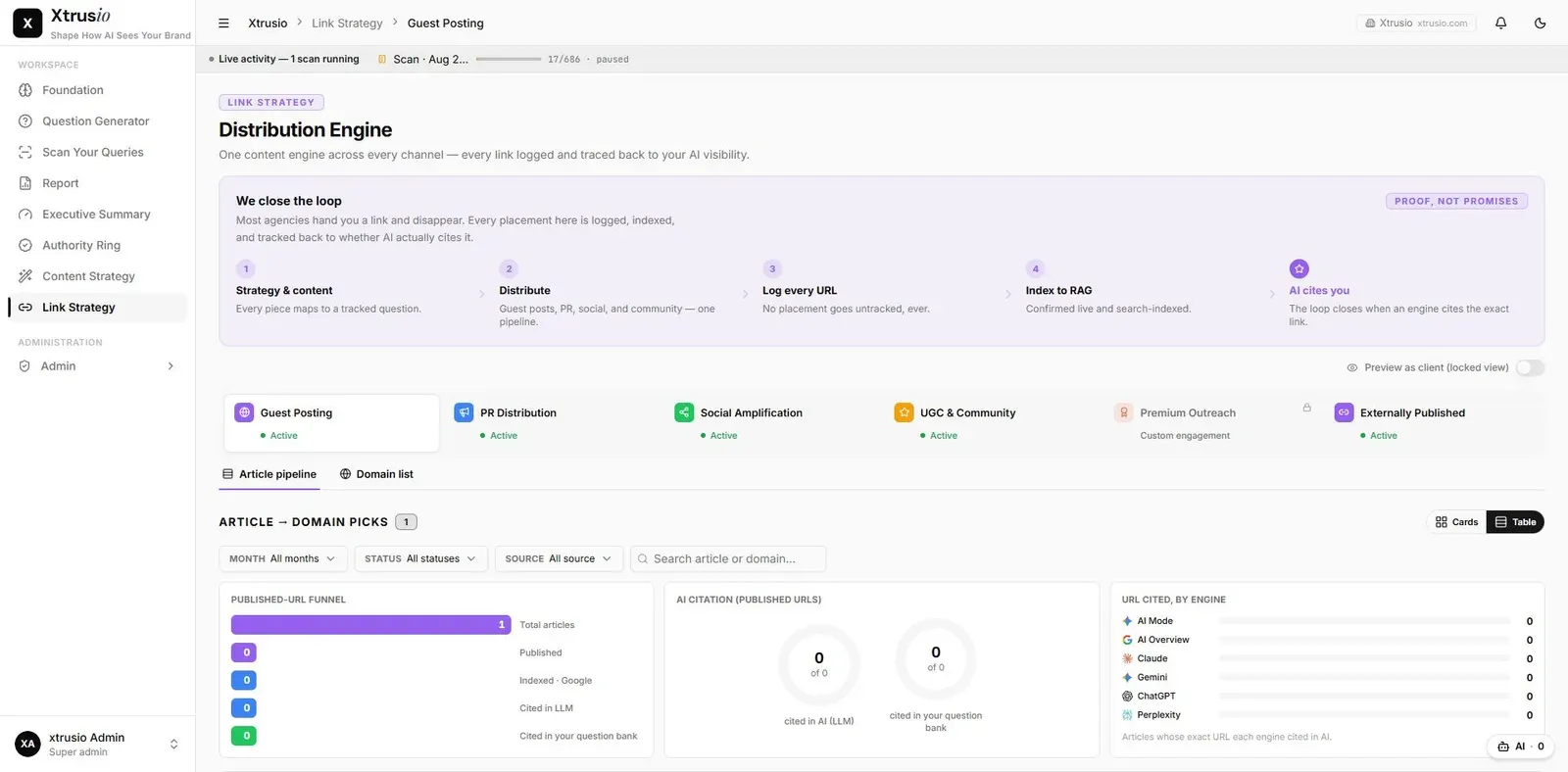
A published URL should remain connected to the article, channel and buyer question it serves. That connection lets the team find completed work without creating a duplicate merely because it is viewed from another part of the system.
Connect campaign work to later scans
A campaign can group questions around a product launch or perception objective. Save each published URL against its relevant question and content-plan item so the delivery record remains connected to that objective.
Xtrusio matches URLs returned in scan citations against publication records in Link Strategy. Inspect the saved answer to understand what a match supports; it does not by itself prove that the campaign changed perception.
Identify the record before updating
Use the question, channel, article title and existing URL together. Several articles can legitimately support one question. Similar titles alone do not prove a duplicate.
Verify an update
- Locate the intended article record in Link Strategy.
- Confirm the originating question and channel.
- Update the URL through the supported edit workflow.
- Reopen the saved record and check its state.
- Open the corresponding Content Strategy plan.
- Confirm the same article and publication are reflected there.
- Refresh both views to check persistence.
These are acceptance checks, not a claim that the current deployment has already passed them.
Example
A question can have one company blog article and two distinct guest posts. All three may be valid. Saving a replacement URL for one placement should not create another article or mark the other channels unpublished.
If the association is wrong
Stop before adding more records. Preserve the intended URL and existing identifiers, and report the mismatch to the operator. Deleting a row without checking its relationships can remove useful history.
Completion means the correct question-linked publication remains visible after reload in each relevant view.