DocsMonitoring and insights
Understand Xtrusio Scan Allowances, Scheduling and Rechecks
Your agreement specifies completed scans, the monitored question set and engine coverage. Xtrusio does not sell this service as a credit/debit system.
Availability and responsibility
Your agreement specifies completed scans, the monitored question set and engine coverage. Xtrusio does not sell this service as a credit/debit system.
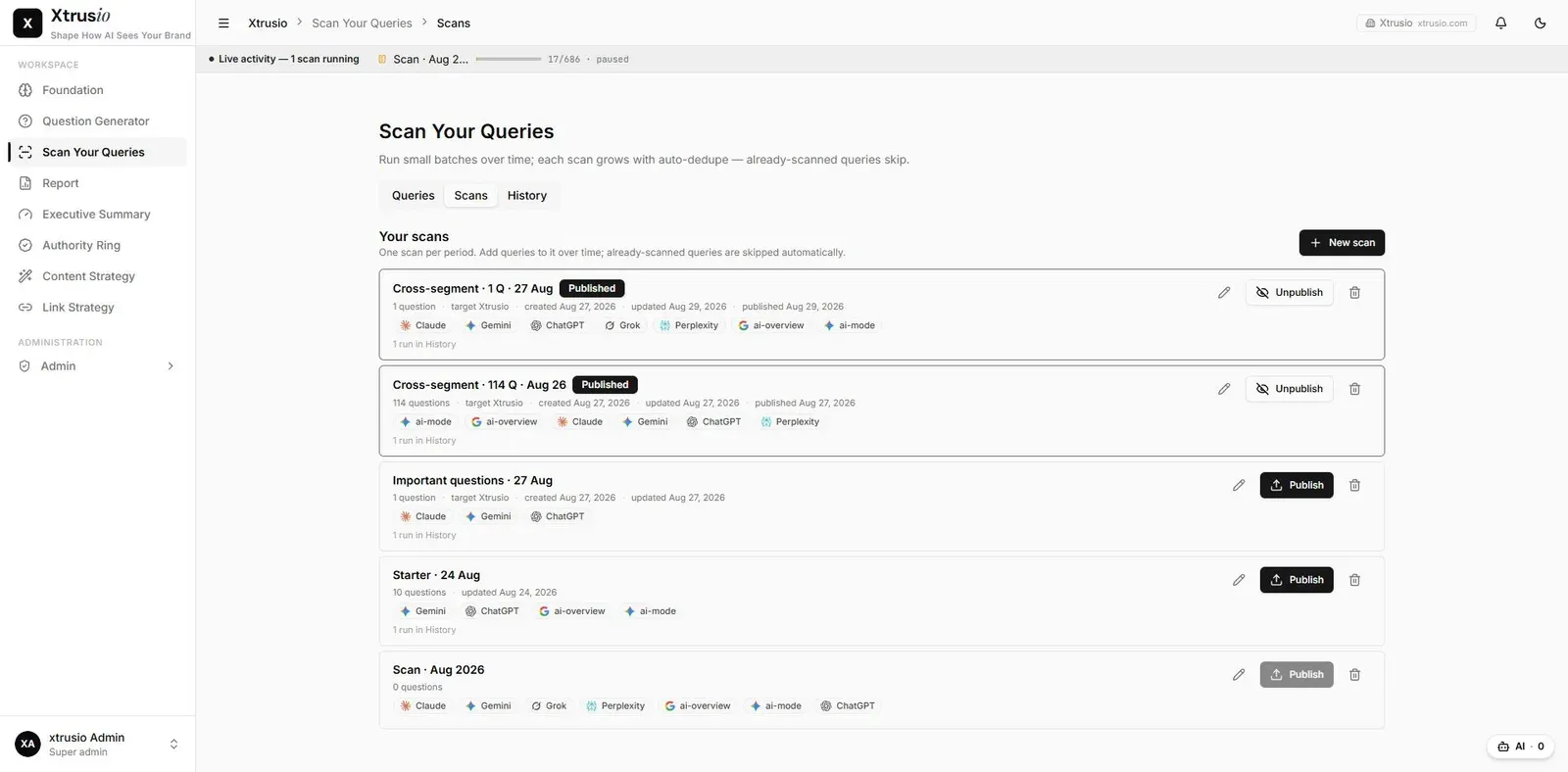
The team owns the schedule and normally agrees two scan dates per month. The allowance is generally two or three scans according to client requirements and the contract. Staff usually initiate scans; client initiation is available within the agreed limit and applicable account permissions.
What counts as delivery
Failed attempts do not replace the obligation to deliver the agreed completed scans. Software retries or rescans failed work, and the team resolves errors that need intervention. Completion means the required scan work has finished without unresolved errors, not simply that a run was started.
The Foundation research target of 150–200 questions is separate from the monitoring scope in the agreement. Confirm the actual question set and engines before a run.
Plan a scan or recheck
- Confirm the approved questions and engines.
- Agree the scan dates with the team.
- Check the remaining completed-scan allowance.
- Have the authorized operator start the run through the configured workflow.
- Review completion and any unresolved failures with the team.
- Retain the same scope for comparison or explain what changed.
Illustrative workload
A scope of 150 questions across six engines, checked twice per month, represents 1,800 planned question-engine observations. This describes workload, not billable credits or a universal entitlement.
When a scan fails
Keep the failed or incomplete state visible. A failed collection is not evidence that the brand was absent. Ask the team to recover the required work and verify completion rather than treating another attempt as a delivered scan.
Do not assume that every provider or configuration error resolves automatically. Use the completed result and agreed scope to confirm delivery.