Claude Code Statusline: Set It Up and Choose What It Shows
Short answer
Type /statusline in Claude Code and describe the row you want. Claude Code can write a script in ~/.claude/ and update your settings. To build it by hand, add a statusLine entry to ~/.claude/settings.json. Point it at a script that reads JSON from standard input and prints 1 or more lines.
The script can show the model, folder, cost, context use, rate limits, pull request and other live session data. It runs locally and does not consume API tokens.
Before you start
- Claude Code
- On Windows, Git Bash or PowerShell
jq, which Anthropic calls “a command-line JSON parser you may need to install”
At the end you will have a row under your prompt showing your model, folder, branch and context use.
A long coding session makes small checks repetitive. You may keep opening /context and checking the branch. A compact row can keep those signals visible.
The quick route: /statusline
Run /statusline, then ask for the information you want in plain language. Claude Code creates the script and updates the setting for you. Approve the file edits if it asks.
/statusline show the model, folder, git branch, context used and 5-hour limitTo remove it, run /statusline and ask to clear or remove the status line. You can also delete the statusLine field from settings.json.
Build your own status line step by step
The manual route is useful when you want to review every command. Anthropic's walkthrough uses Bash and jq.
Step 1: write the script
Save this Anthropic example as ~/.claude/statusline.sh:
#!/bin/bash
# Read JSON data that Claude Code sends to stdin
input=$(cat)

# Extract fields using jq
MODEL=$(echo "$input" | jq -r '.model.display_name')
DIR=$(echo "$input" | jq -r '.workspace.current_dir')
# The "// 0" provides a fallback if the field is null
PCT=$(echo "$input" | jq -r '.context_window.used_percentage // 0' | cut -d. -f1)

# Output the status line - ${DIR##*/} extracts just the folder name
echo "[$MODEL] 📁 ${DIR##*/} | ${PCT}% context"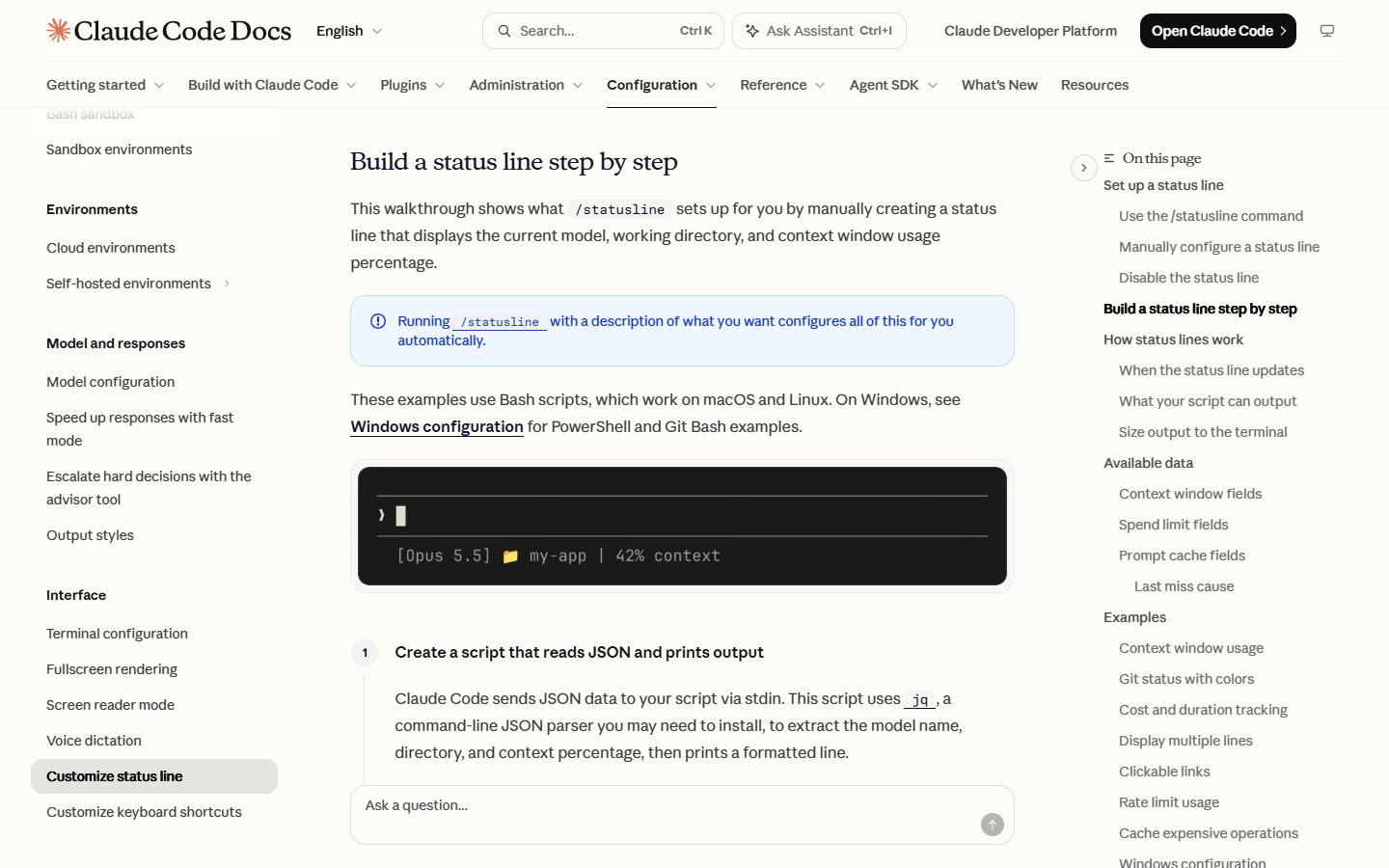
You should see a Bash file that reads standard input and prints a status row.
Step 2: make it executable
Give the file executable permission:
chmod +x ~/.claude/statusline.sh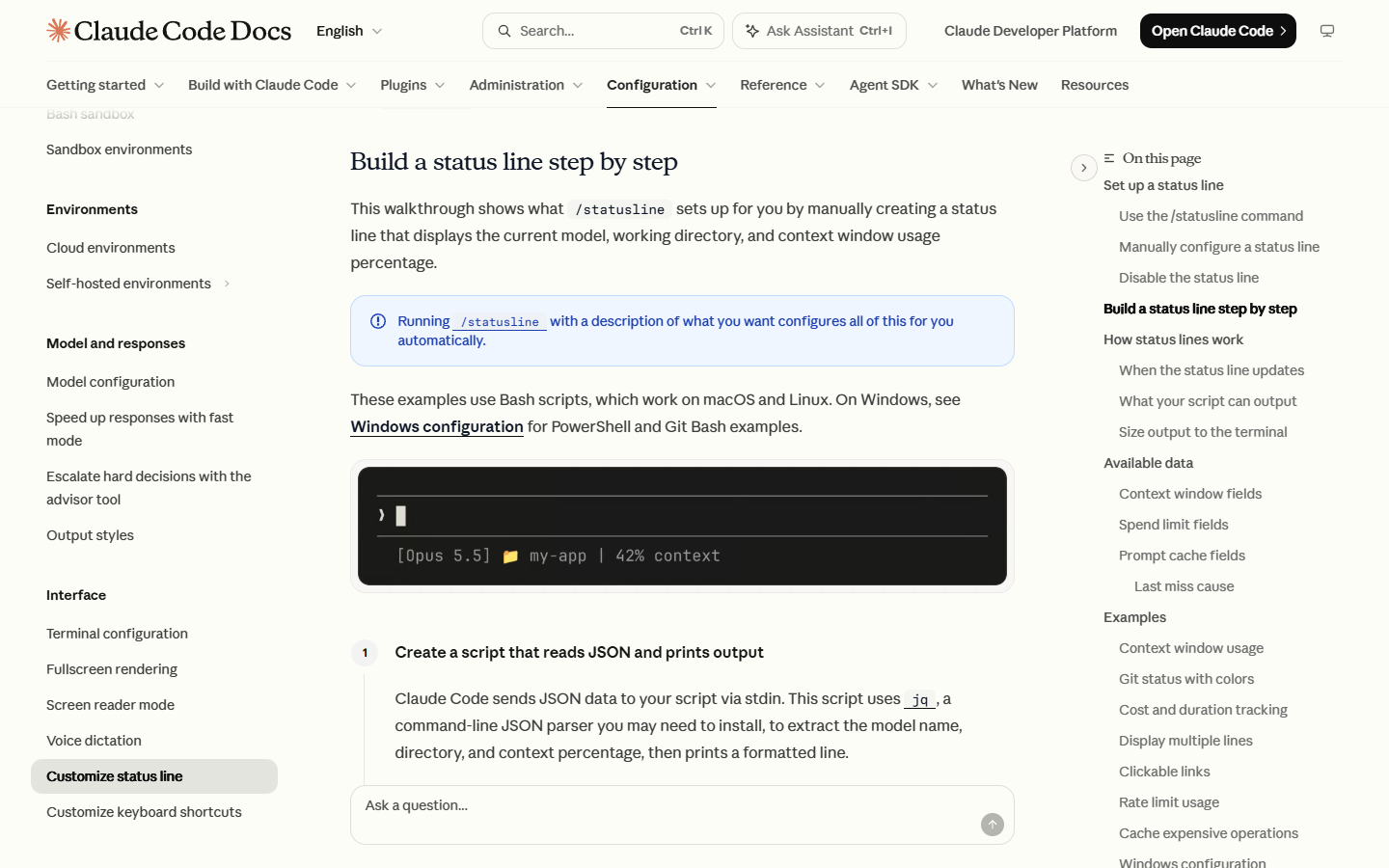
You should see no output when the command succeeds.
Step 3: add it to settings
Merge the statusLine key into the existing object in ~/.claude/settings.json:
{
  "statusLine": {
    "type": "command",
    "command": "~/.claude/statusline.sh"
  }
}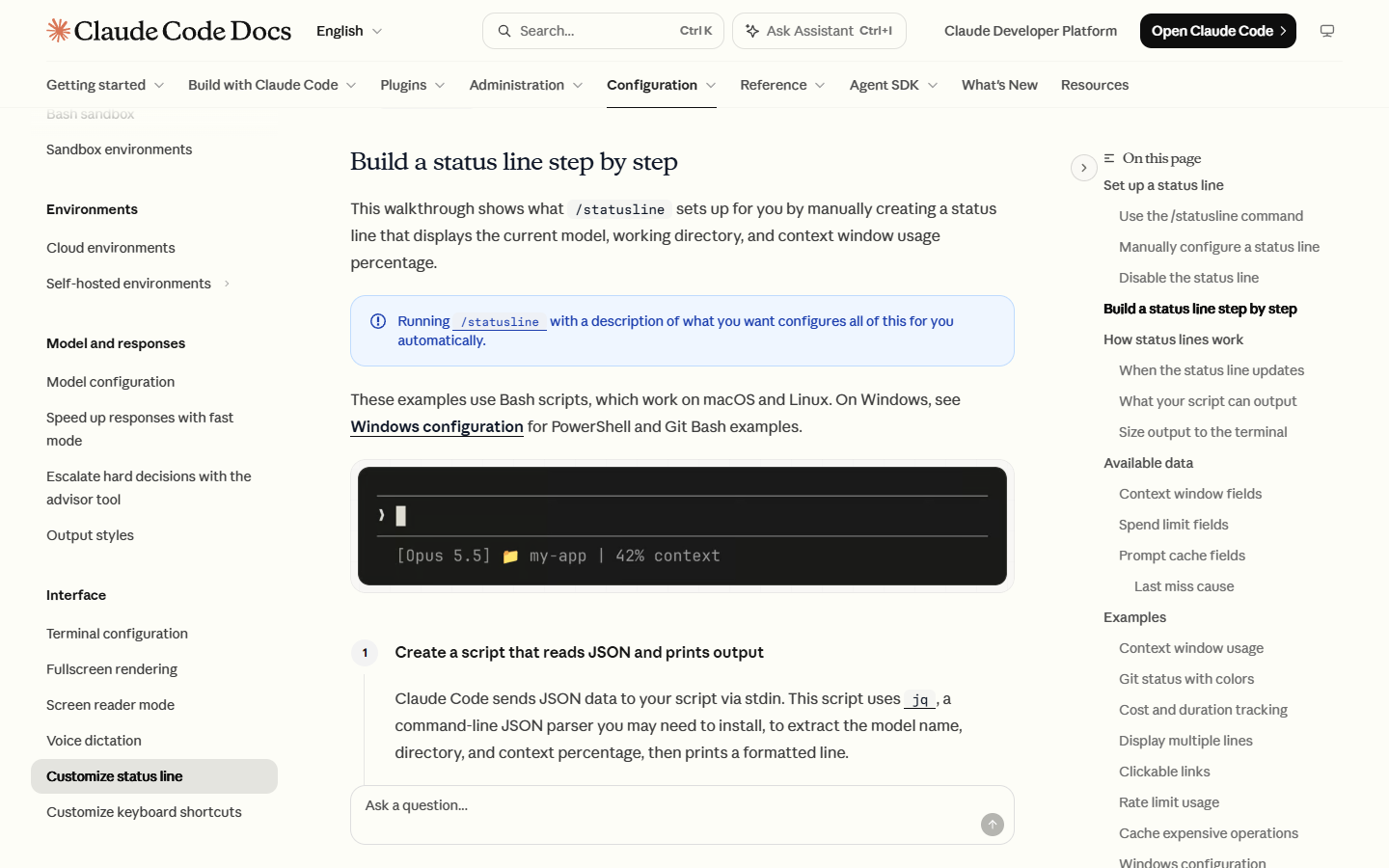
You should see the status row appear under the prompt after you save the file.
Claude Code reloads settings automatically and runs the script when you save the file. The optional padding field adds horizontal spacing. The optional refreshInterval field reruns the command every N seconds, with a minimum of 1.
Source: Anthropic, Customize your status line, read 3 November 2026.
Our example (illustrative)
Save this original script over ~/.claude/statusline.sh. It adds the current git branch and prints the 5-hour limit only when Claude Code sends it. The git part shows your real branch or is skipped outside a repository. The fallbacks keep early-session null values from breaking the row.
#!/bin/bash
input=$(cat)
MODEL=$(echo "$input" | jq -r '.model.display_name // "Claude"')
DIR=$(echo "$input" | jq -r '.workspace.current_dir // ""')
BRANCH=$(git branch --show-current 2>/dev/null)
CONTEXT=$(echo "$input" | jq -r '.context_window.used_percentage // 0' | cut -d. -f1)
FIVE_HOUR=$(echo "$input" | jq -r '.rate_limits.five_hour.used_percentage // empty' | cut -d. -f1)

LINE="[$MODEL] ${DIR##*/}"
[ -n "$BRANCH" ] && LINE="$LINE | git:$BRANCH"
LINE="$LINE | context:${CONTEXT}%"
[ -n "$FIVE_HOUR" ] && LINE="$LINE | 5h:${FIVE_HOUR}%"
echo "$LINE"
Test it with 1 line of mock input:
echo '{"model":{"display_name":"Sonnet"},"workspace":{"current_dir":"/home/sam/checkout"},"context_window":{"used_percentage":38},"rate_limits":{"five_hour":{"used_percentage":61}}}' | ~/.claude/statusline.shIllustrative output:
[Sonnet] checkout | git:feature-cart | context:38% | 5h:61%The git:feature-cart part appears only when you run the script inside a repository on that branch; the mock JSON carries no branch.
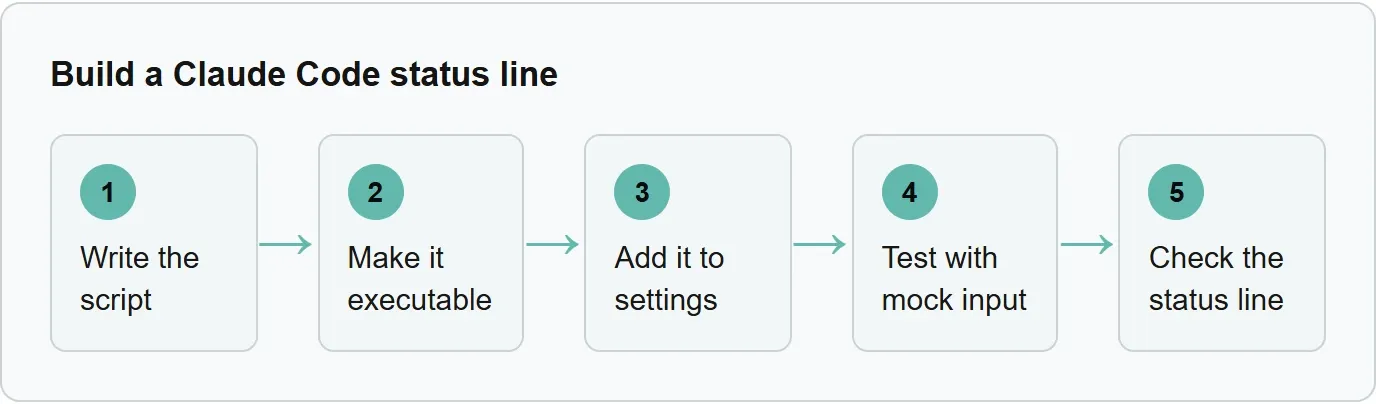
Write the script, make it executable, add it to settings, test with mock input, and check the status line.
What your status line can show
Claude Code sends a broad JSON object to the command. The table groups every field family in Anthropic's available-data list.
Status line field groups
Group | What it holds |
|---|---|
| Model identifier and display name |
| Current, launch and added directories; worktree and repository identity |
| Estimated session cost, duration, API wait time and lines changed |
| Token counts, size, used and remaining percentages, and current usage |
| Whether the latest response crossed the fixed threshold |
| Whether fast mode is enabled |
| The session reasoning effort level when supported |
| Whether extended thinking is enabled |
| Subscription and supported gateway spend-limit use and reset times |
| Main-conversation cache state, hits, misses and related statistics |
| Unique session identifier |
| Custom or generated session title when available |
| UUID of the prompt being processed |
| Path to the conversation transcript |
| Claude Code version |
| Current output-style name |
| Current vim mode when enabled |
| Configured agent name |
| Open pull request or GitLab merge request details and review state |
| Active worktree name, path, branch and original location |
Source: Anthropic, Available data, read 3 November 2026.
The rate_limits object appears for claude.ai Pro, Max and Ultra subscribers, or behind a Claude apps gateway with a spend limit. It appears only after the first API response, and each window can be absent. Read each value with a fallback.
context_window.used_percentage represents input tokens in the live context window. See the Claude Code context window guide for the difference between current usage and the larger total shown by /context.
When it updates and what it can print
The command runs at session start and resume, then on events such as a new assistant message, completed compaction, permission-mode changes, vim-mode changes and setting changes. Claude Code debounces rapid updates by 300ms and cancels a running script if another update arrives.
The command runs locally. It can print multiple rows, ANSI colors and supported terminal links. Read COLUMNS and LINES when the output must fit the terminal. Cache slow git operations because the script can run frequently.
Status line on Windows
Claude Code uses Git Bash when it is installed and PowerShell when it is absent. Use forward slashes in command paths because Git Bash treats unquoted backslashes as escape characters.
{
  "statusLine": {
    "type": "command",
    "command": "powershell -NoProfile -File C:/Users/username/.claude/statusline.ps1"
  }
}
Our example: Harbor Shell (illustrative, not a real session)
It uses the same mock JSON as the Bash example. Save this as C:/Users/username/.claude/statusline.ps1. Run outside a repository with that mock JSON, it prints [Sonnet] checkout | context:38% | 5h:61% (illustrative output).
$raw = [Console]::In.ReadToEnd()
$data = $raw | ConvertFrom-Json
$model = if ($data.model.display_name) { $data.model.display_name } else { "Claude" }
$dir = Split-Path -Leaf $data.workspace.current_dir
$context = if ($null -ne $data.context_window.used_percentage) { [math]::Floor($data.context_window.used_percentage) } else { 0 }
$fiveHour = if ($null -ne $data.rate_limits.five_hour.used_percentage) { [math]::Floor($data.rate_limits.five_hour.used_percentage) } else { $null }
$branch = git branch --show-current 2>$null
$parts = @("[$model] $dir")
if ($branch) { $parts += "git:$branch" }
$parts += "context:$context%"
if ($null -ne $fiveHour) { $parts += "5h:$fiveHour%" }
$parts -join " | "
Why the status line is blank
Start by testing the script outside Claude Code. Then work through these common causes.
jqis not installed or not onPATH: install it from the official jq download page, then open a new terminal.- The folder is not trusted: accept workspace trust because status-line commands follow the same trust rule as Claude Code hooks.
- The script cannot run: make it executable, run it manually and confirm it exits with code 0.
- Output goes to the wrong stream: print the row to stdout, not stderr.
- Fields are null: use fallbacks such as
// 0or// emptybefore the first response. /contextlooks higher: it estimates messages added since the last response, while the status line uses the last API response.
Ready-made status lines and subagent rows
Anthropic names ccstatusline and starship-claude as community projects with themes and extra features. Review a project's commands before using it.
The separate subagentStatusLine setting can replace the default row for each visible subagent. It receives all visible tasks as JSON and can show their name, status, model, token count and working directory. See the Claude Code subagents guide before designing per-agent rows.
Where Xtrusio fits
A Claude Code status line reports one local coding session. Xtrusio does a different job: it checks how AI engines mention and cite a brand. Get your free AI visibility check.
Sources
- Anthropic, Customize your status line, read 3 November 2026.
- Xtrusio product page, read 3 November 2026.
Frequently asked questions
Does a Claude Code status line cost tokens?
No. Anthropic says the script runs locally and does not consume API tokens.
Why are rate limits missing?
They appear only for supported subscriptions or gateways and only after the first API response. A specific window can also be absent.
How do I remove the status line?
Ask /statusline to remove it, or delete the statusLine field from settings.
Does it work on Windows?
Yes. Claude Code routes the command through Git Bash when available and otherwise through PowerShell.
Why does it stay blank?
Check workspace trust, executable permission, exit code, stdout output and null-value fallbacks.
Topics
- claude code statusline

Xtrusio
AI visibility research
Xtrusio is the Perception Engine for B2B brands.
Free check
See how AI engines answer about you
Get your free AI visibility check
Keep reading
 Technical SEO · Nov 4, 2026 · 6 min read
Rankscale: What It Tracks, What It Costs and Alternatives
See what Rankscale tracks, its current credit-based prices, how far 1,200 credits go and how Xtrusio, Peec AI and Profound compare. Technical SEO · Nov 4, 2026 · 5 min read
Claude Code Router: What It Is and How to Set It Up
Learn what Claude Code Router does and set up its current desktop or npm UI route with providers, local ports, profiles, logs and fallbacks. Technical SEO · Nov 4, 2026 · 6 min read