Codex CLI Pricing: ChatGPT Plans vs API Key Billing
Short answer
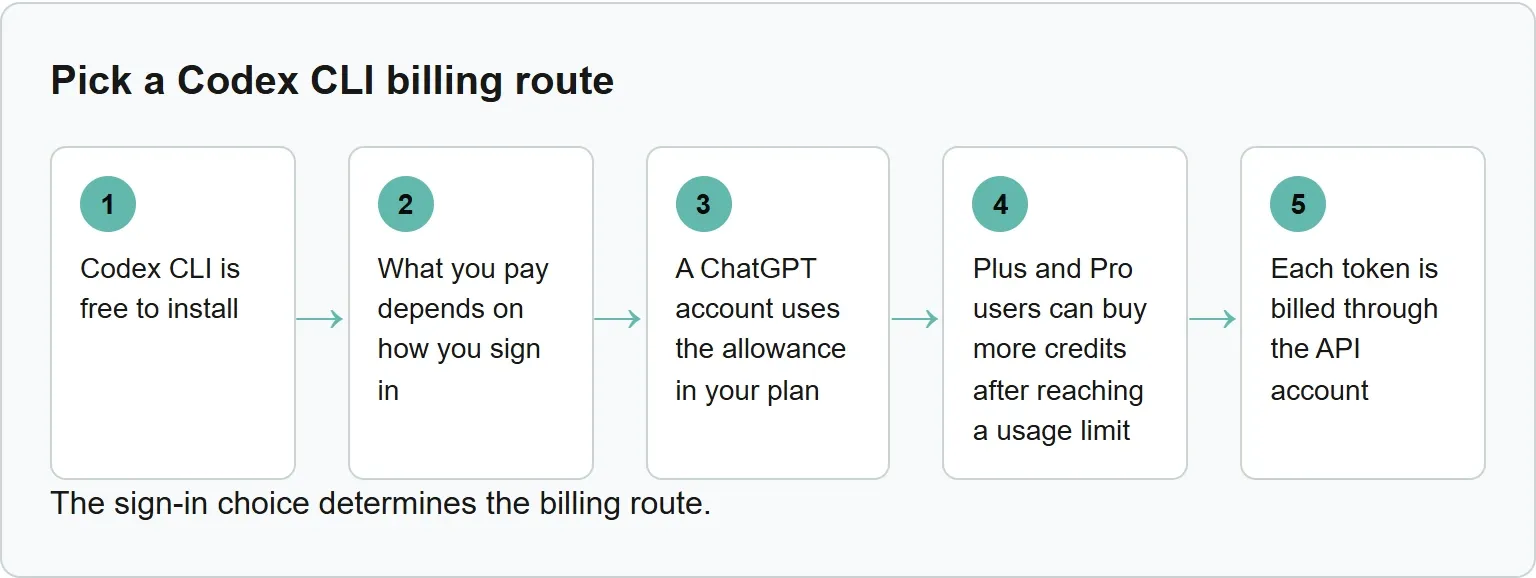
Codex CLI is free to install. What you pay depends on how you sign in. A ChatGPT account uses the allowance in your plan, while an OpenAI API key bills every token at API prices.

You have just run codex, a sign-in prompt has appeared, and you are not sure which choice sends the bill where.
Two ways to pay for Codex CLI
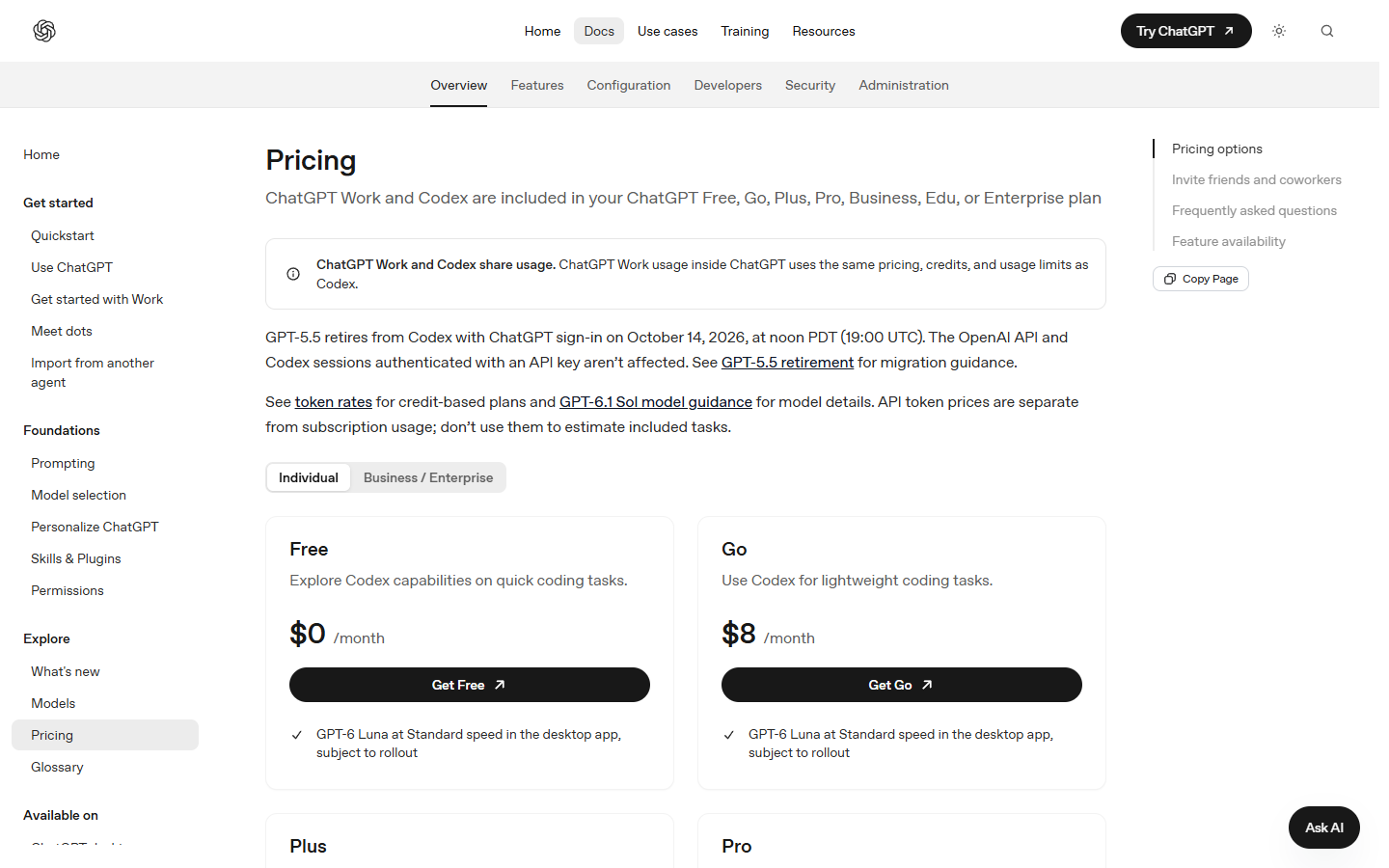
To use a plan, open your project directory, run codex and sign in with your ChatGPT account when prompted. Codex is included in ChatGPT Free, Go, Plus, Pro, Business, Edu and Enterprise plans.
The other route is an OpenAI API key. Codex then runs in the CLI, SDK or IDE extension, and usage is charged at API prices. Model availability follows the API models available to your key.
The API key route has no cloud-based features such as GitHub code review or Slack. That makes it a clearer fit for automation in shared environments such as CI, where per-token billing may be easier to allocate.
Codex CLI billing routes, checked 3 November 2026
Route | Published price | Where Codex runs | Usage rules |
|---|---|---|---|
ChatGPT Free | $0 a month | CLI and other included Codex surfaces | Plan allowance; Codex Cloud not included |
ChatGPT Go | $8 in OpenAI's Codex pricing docs; $7.25 on the ChatGPT Codex pricing page | CLI and other included Codex surfaces | Plan allowance; Codex Cloud not included |
ChatGPT Plus | $20 a month | Web, CLI, IDE extension and iOS | Plan allowance; buy credits after the limit |
ChatGPT Pro | $100, $200 or $500 a month | Included Codex surfaces; Codex Cloud | No five-hour limit; weekly limits may apply |
OpenAI API key | API pricing | CLI, SDK or IDE extension | Per-token billing; no plan allowance or cloud features |
Source: OpenAI Codex pricing pages and documentation, read 3 November 2026. Both official pages showed different Go prices, so both are reported instead of choosing one.
How usage limits work
ChatGPT Work and Codex share usage, credits and usage limits. Local messages and cloud chats also share your plan's allowance, and weekly limits may apply.
How many messages you can send depends on the model, the size and complexity of the task, and whether it runs locally or in the cloud. Pro plans currently have no five-hour limit.
If you hit a limit during an active turn, the agent can continue that turn, subject to fair use limits. You can check the Codex usage dashboard for current limits. In an active CLI session, run /status to see what remains.
Auto-review safety checks are free when you are signed in with a ChatGPT account and do not count against the plan allowance.
Credits pay for more than your plan includes
Credits are the unit used for eligible usage on credit-based plans. Plus and Pro users can buy more credits after reaching a usage limit instead of upgrading immediately. Purchase prices and discounts depend on the plan or agreement.
The rate card below is for purchased credits at Standard speed. Each figure is credits per million tokens.
Codex purchased-credit rate card, checked 3 November 2026
Model | Input | Cached input | Output |
|---|---|---|---|
GPT-6.1 Sol | 50 | 2.5 | 250 |
GPT-5.6 Sol | 100 | 10 | 500 |
GPT-6 Luna | 2.5 | 0.25 | 12.5 |
Source: OpenAI Codex pricing documentation, read 3 November 2026. Fast mode uses twice the Standard credit rate where available, while Ultrafast uses six times the Standard rate. Ultrafast mode is available on Pro $500, checked 3 November 2026.
Credit billing has no separate cache-write charge. API-key usage follows the separate API price card, so these credit figures should not be used to estimate an API bill.
Our example: ten tasks in one week
Our example is illustrative and uses OpenAI's published typical range. A GPT-5.6 Sol task may use 2 to 15 credits. Our calculation: ten similar tasks would use 20 to 150 credits.
Our calculation for one task, using the Standard rate card checked 3 November 2026: assume one million input tokens, one million cached input tokens and one million output tokens. GPT-6.1 Sol would use 302.5 credits. GPT-5.6 Sol would use 610 credits.
For this token mix, GPT-6.1 Sol uses fewer purchased credits than GPT-5.6 Sol, so the model choice changes how far the same credit balance goes.
The actual total can move outside that example because task size and complexity differ. There is no dollar total here because credit purchase prices depend on the plan or agreement.
The API key route: when per-token billing makes sense
An API key is useful when a team needs Codex in CI or another shared automation environment. Each token is billed through the API account, without drawing from a person's ChatGPT allowance.
The trade-off is direct: API-key sessions do not include Codex Cloud features such as GitHub code review or Slack. They also follow the models available to that API key.
OpenAI says API token prices are separate from subscription usage and should not be used to estimate included tasks. GPT-5.5 retired from Codex with ChatGPT sign-in on 14 October 2026, but API and API-key sessions were not affected.
Which billing route should you pick?
Choose the route that matches where the work runs and who should receive the bill.
A practical route by working pattern
Working pattern | Start here | Why |
|---|---|---|
Occasional local coding | Existing ChatGPT plan | No separate token bill; check the allowance before upgrading |
Daily individual work | Plus or Pro | Use the included allowance, then buy credits if the limit is temporary |
Heavy interactive work | Pro | Pro currently has no five-hour limit |
CI or shared automation | API key | Usage is billed per token to the API account |
For routine work, switching to a lower-cost model can help the allowance last longer. Check /status before a large task so the route and remaining allowance are clear.
The sign-in choice determines the billing route.
Where Xtrusio fits
Codex helps teams change code. Xtrusio helps them inspect AI answers and plan a response. Its free visibility check shows when ChatGPT and Gemini mention a business, which competitors appear instead and what to work on next.
Run the free AI visibility check when the question moves from coding cost to how a brand appears in AI answers.
Sources
- OpenAI Codex pricing documentation, read 3 November 2026
- ChatGPT Codex pricing page, read 3 November 2026
- OpenAI Help Center: using Codex with a ChatGPT plan, read 3 November 2026
- OpenAI Codex CLI documentation, read 3 November 2026
Frequently asked questions
Is Codex CLI free?
Yes. The CLI is free to install. The cost comes from the ChatGPT plan or OpenAI API key used to sign in.
Can I use Codex CLI on ChatGPT Free or Go?
Yes. Codex is included in Free and Go. The Free plan is $0 a month. OpenAI's official pricing pages showed Go at $7.25 and $8 a month, checked 3 November 2026.
Does Codex Cloud come with Free or Go?
No. Codex Cloud is not included with Free or Go. It is available to eligible Plus, all Pro tiers, Business, Enterprise, Healthcare and Education accounts.
How do I see how much Codex usage is left?
Open the Codex usage dashboard, or run /status in an active Codex CLI session.
Topics
- codex cli pricing

Xtrusio
AI visibility research
Xtrusio is the Perception Engine for B2B brands.
Free check
See how AI engines answer about you
Get your free AI visibility check
Keep reading
 Technical SEO · Nov 3, 2026 · 7 min read
MCP vs API: What Each Connects and When to Use It
See how MCP differs from an API, how tools/list and tools/call work, and when to use MCP, an API or both. Technical SEO · Nov 3, 2026 · 5 min read
Claude Code Sandbox: What It Blocks and How to Turn It On
See what the Claude Code sandbox blocks, what stays outside it, how to enable it and the official probes that show whether it works. Technical SEO · Nov 3, 2026 · 7 min read