Gemini Gems: What They Are and What Replaces Them
Short answer
A Gemini Gem is a saved version of Gemini that follows your instructions every time. To make one, open Gems from the sidebar at gemini.google.com, or from Settings and help if it isn't there. Click New Gem, add a name and instructions, and click Save.
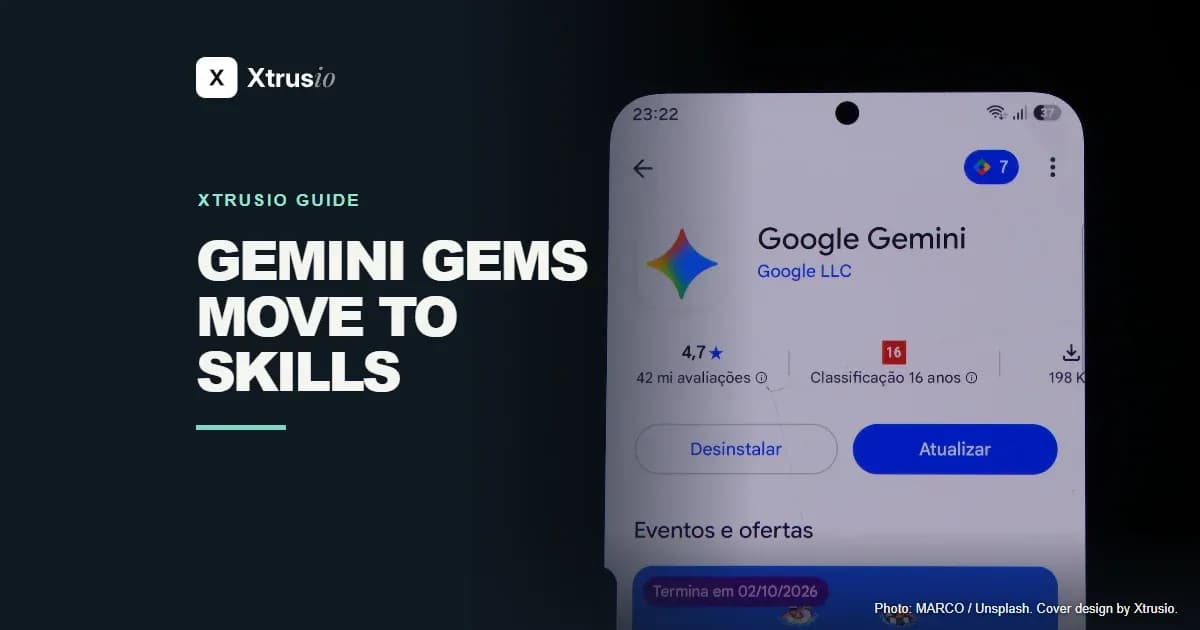
Google is replacing Gems with skills. If you are 18 or over and use a personal Google account, your Gems turn read only on 17 November 2026: you can still open them, but you cannot use or edit them or make new ones. Work, school and under-18 accounts switch later, as the table below shows.
What is a Gemini Gem?
Think of a Gem as a shortcut for a job you give Gemini again and again. Set it up with the instructions you would otherwise paste into each new chat. You can also give it files to use as background. Gemini calls those Knowledge files.
You need to sign in to use Gems. On a personal Google account, the minimum age is 13 or the age set in your country. A Gem you make on the web also appears in the Gemini mobile app and the Gemini side panel in Workspace.
When do Gems stop working?
Gems stop working first on personal accounts.
Account | When Gems change |
|---|---|
Personal, age 18 or older | Read only on 17 November 2026, so a Gem still opens but you cannot use or edit it. Removed on 17 December 2026. |
Workspace business, enterprise and nonprofit | March 2027. |
Workspace education | June 2027. |
Google says people under 18 on a personal account will move to skills at a later date.
What happens to your Gems in the switch?
- Google turns each Gem into a skill
- If more than 100 MB, Google drops the largest files first
- Old Word, Excel and PowerPoint files stay behind
- Download your Gem files before Google removes Gems
Google turns each Gem into a skill for you and moves its supported files across. A skill can hold up to 100 MB of files. If a Gem's files add up to more than 100 MB, Google drops the largest files first until the rest fit.
Old Word, Excel and PowerPoint files with .doc, .xls or .ppt extensions stay behind. Archives such as .zip and .rar stay behind too. Audio and video also stay in the old Gem.
On a personal account, download your Gem files before Google removes Gems in December 2026. To find your Gems, click Gems in the sidebar at gemini.google.com, then Edit next to a Gem to see its files under Knowledge. Click each file to open it, then click Download at the top of the file. Once the skill appears, compare it with the old Gem while both are still there, and download any file the skill is missing. Start with the files you would have to make again if you lost them.
How do you move a Gem to a skill yourself?
Adults on a personal Google account can rebuild a Gem as a skill now, without waiting for Google.
- Open the Gem you want to keep and copy its name, description and instructions.
- In a new browser tab at gemini.google.com, click Customize in the sidebar, then Skills.
- Near the top of the Skills page, click Create, then Create manually.
- Paste in what you copied. Add a short line about the kind of request that should trigger the skill.
- Give the new skill a request you know it should handle, then check what it returns before you use it on new work.
If you made a skill on another platform, you can import it by uploading its SKILL.md file. That file holds the instructions the skill follows.
For a skill with files, put its SKILL.md file and its attachments in one folder. Name the folder after the skill, in lowercase letters with hyphens between words, like this:
sample-skill-name/
  SKILL.md
  [your supported files]
How are skills different from Gems?
The biggest difference is that you call a skill by typing / and its name in the chat you already have open. You can make as many skills as you want, but only 100 can be switched on at a time.
Feature | Gem | Skill |
|---|---|---|
Use it automatically | Choose a Gem before using it. | Gemini can apply a relevant skill on its own. |
Combine instructions | Open each Gem on its own. | Use several skills in a single chat. |
Canvas and Deep Research | Available in Gems. | These features do not work with skills yet. |
Share or add Drive files | Gems support sharing and Drive files. | Google says both features are coming to skills. |
Frequently asked questions
Can I use a Gem in Gemini Live?
No. Gems do not work with Gemini Live.
Do skills work with Google Workspace apps?
Yes. Skills work with apps you connect to Gemini, such as Google Workspace apps.
Sources
Google’s transition guide gives the dates and file rules.
Topics
- gemini gems

Xtrusio
AI visibility research
Xtrusio is the Perception Engine for B2B brands.
Free check
See how AI engines answer about you
Get your free AI visibility check
Keep reading
 Technical SEO · 15 November 2026 · 5 min read
Building AI Agents: A Plain Guide to Your First Agent
Build a bounded AI agent with one safe tool and run four local Python tests before you connect a real model. Technical SEO · 15 November 2026 · 4 min read
Duck.ai: How Private Is DuckDuckGo’s AI Chat?
See what Duck.ai shares with AI providers, how chat history and sync work, and what changes when you upload a file. Technical SEO · 15 November 2026 · 7 min read